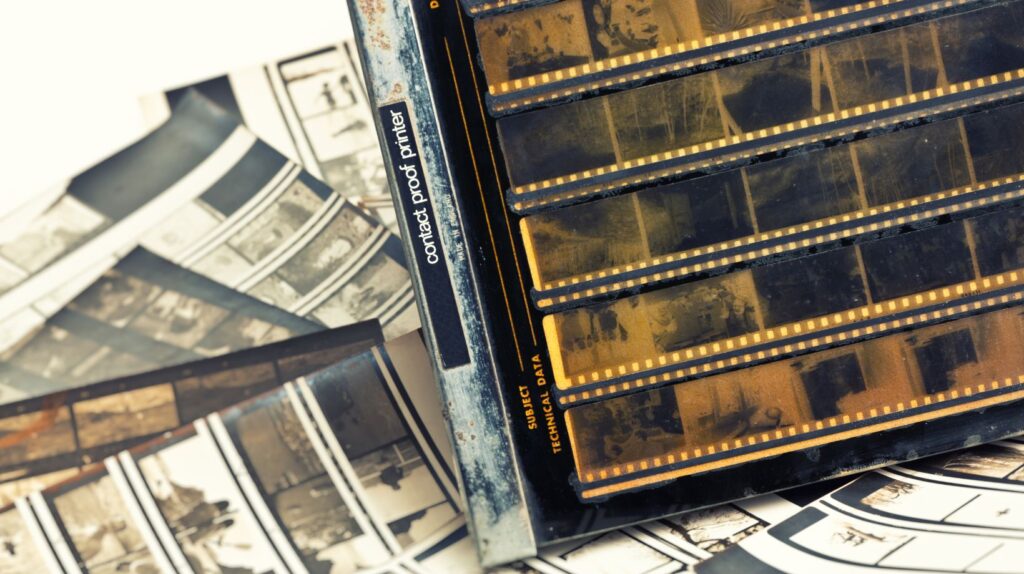
Editing every frame from a shoot before the client has chosen anything is a quiet way to burn hours you will never bill for. Photo proofing flips the order: you show the client a gallery of lightly processed images, they mark the ones they love, and you put your full editing effort only into the shots that will actually be used. Done well, proofing saves you time, sells more prints, and makes the client feel involved rather than handed a finished pile to react to.
Table of Contents
ToggleWhat Proofing Actually Solves
Proofing sits between the shoot and final delivery. Without it, photographers either over-edit hundreds of images on spec or dump everything on the client and hope they sort it out. Both waste effort. A proof gallery lets the client handle the first round of curation, so your editing time goes where it counts and the client gets a say in their own gallery.
Build a Proof Gallery, Not a Folder
The proofing experience lives or dies on how easily the client can review the images. A shared drive folder forces them to download files, open them one at a time, and report favorites back by filename. That friction kills momentum. What you want instead is a gallery the client opens in a browser, where they can heart or tick images as they go and submit the whole list in one click. A purpose-built client photo gallery handles this: the client favorites on their phone over coffee, and you get a clean list of selections without a single “I like DSC_4521 and 4523” email. Keep the proofs lightly watermarked and at lower resolution so previews are useful for choosing but not for keeping.
Guide the Selection
Left unguided, clients either choose three images or all two hundred. Give them a frame. Tell them how many selections their package includes, set a deadline, and group the gallery by scene so the decision feels manageable. For a wedding or event, sub-galleries by part of the day stop the client from drowning in one endless scroll. A little structure produces faster, more confident choices and far fewer “can you just pick for me” messages.
Use Proofing to Sell, Not Just Sort
Proofing is also where print and album sales happen, if you let them. When a client is already in the gallery choosing favorites, that is the natural moment to offer prints, a wall piece, or an album built from the very images they just picked. Selling in the same place where selections happen beats trying to re-engage the client weeks later. Even if you sell no products at all, the proofing step builds investment: a client who chose their own favorites is more attached to the gallery and far more likely to share it.
From Proof to Final Delivery
Once the client has chosen, the job narrows to the images that matter. Edit the selects to your full standard, then hand them over as finished files. This is the point to send high-resolution photos in a form the client can actually use for prints and keepsakes, rather than the compressed proofs they reviewed. Keeping the two stages visually distinct, watermarked low-res proofs versus clean full-size finals, also protects your work while selections are still in progress.
A proofing process does not need to be elaborate. A clear gallery, a selection limit, a deadline, and a clean handoff at the end cover almost every shoot. Put that small system in place once and proofing stops being an awkward back-and-forth and starts doing real work: less wasted editing, more sales, and clients who feel like partners in the gallery rather than spectators.
FAQ
What is photo proofing? Photo proofing is the step where a photographer shares lightly processed images so the client can review them and choose which ones to fully edit, print, or receive. It happens between the shoot and final delivery, and it saves the photographer from editing frames no one will use.
How many photos should a client choose during proofing? It depends on the package, but giving clients a set number, for example 20 to 40 from a portrait session, leads to faster and more confident selections than leaving the count open. Grouping the gallery by scene makes choosing easier still.